Unreal Engine with AI: a small Blueprint adventure and its costs
Use an assistant for Blueprint plans, level design and debugging, with a clear project scope and realistic budget.
Keep the template player working.
Verify every proposed node.
Separate royalties from assistant subscriptions.
The short answer
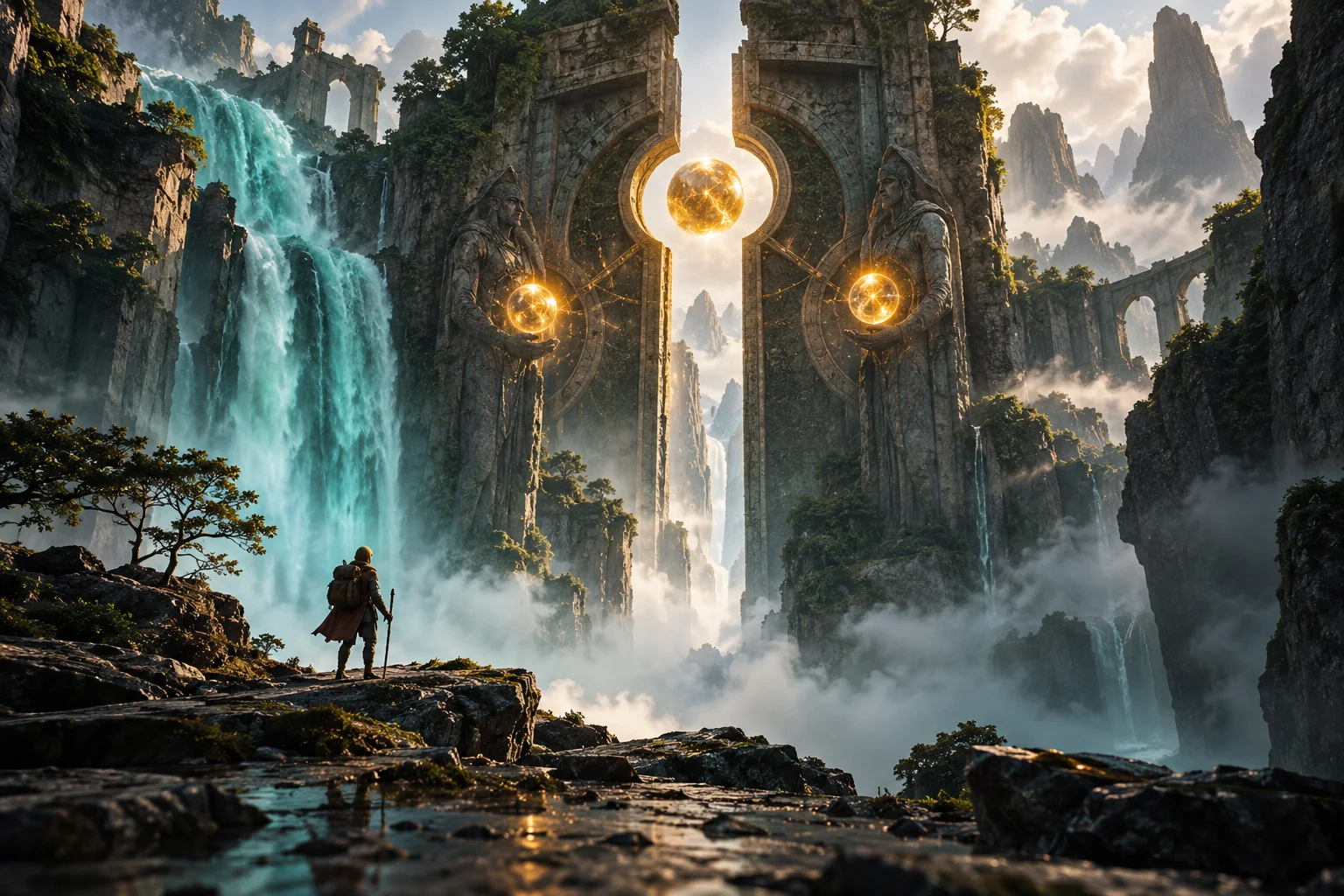
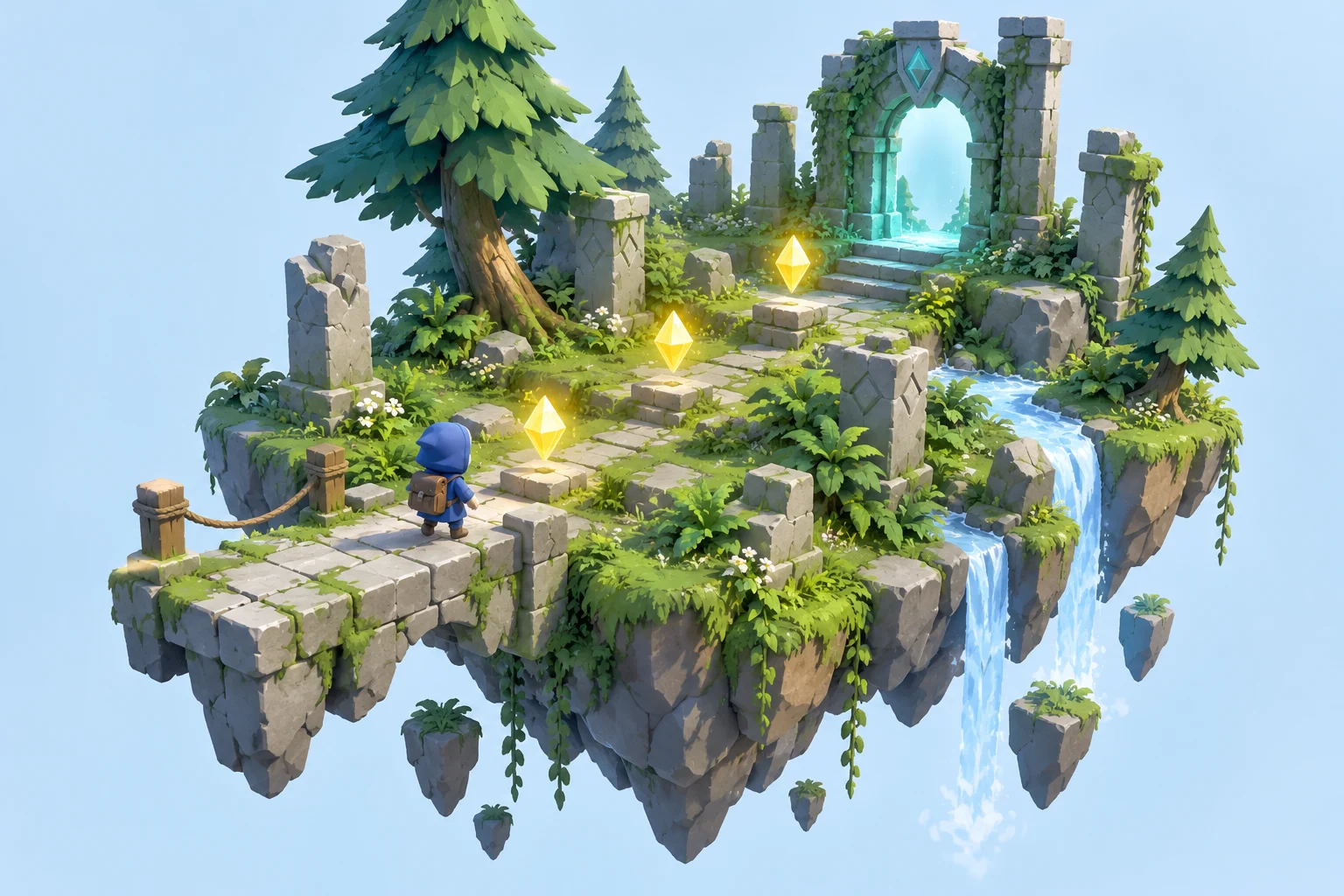
Our proposed scene is a ruin with three energy cells and a locked gate. Start with the Third Person template. AI explains logic and develops a visual reference; Blueprints themselves are visual programming, not generative AI. The cover is concept art, not an Unreal render or benchmark.
From an idea to a game rule
The cover is original AI-generated concept art. The guide explains how to implement the idea in the engine. See the linked official introduction for actual software views.
Official introduction with editor viewsThe differences at a glance
| Cost | Starting point | Later considerations |
|---|---|---|
| Unreal game project | 0 USD upfront | Standard 5% on relevant lifetime product gross revenue above 1 million USD; exceptions apply |
| AI assistant | Provider tariff or limited free access | Not included as unlimited engine AI |
| Own basic geometry | 0 USD | Asset purchases optional |
| Editorial spending cap | 0–30 USD for a learning month | A chosen limit, not a quoted product price; excludes hardware and tax |
Start from a working template
Create a Third Person Blueprint project. Play the template before changing it, record the engine version and save a baseline. Build a short route with simple geometry, three spheres and a gate.
Ask for a node plan
Create BP_EnergyCell with a visible mesh and Sphere Collision. Ask the assistant for events, variable types and connections. An answer is not automatically an importable graph.
Open practical example
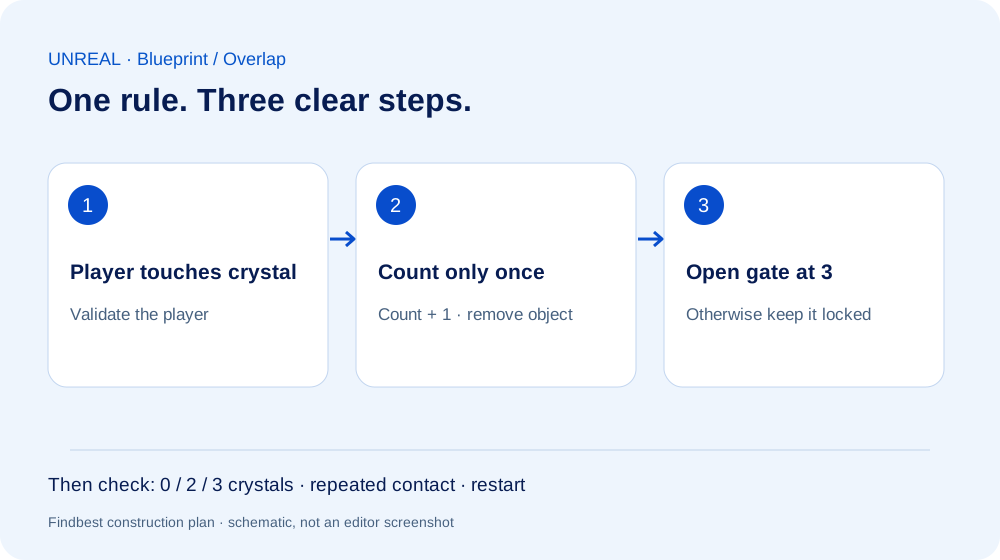
Plan a one-time energy pickup for the Unreal 5 Third Person Blueprint template. Describe overlap, player validation, a collected flag, shared counter and actor removal. List execution and data-pin connections. No paid plugins.
Build and debug one pickup
Connect overlap, player validation, one-time guard, increment and removal. Compile and save in small steps. If a node is missing, provide the exact version and graph context rather than assuming the name is correct. Check both components’ collision settings when overlap fails.
Unlock the gate
Give BP_ExitGate access to the same count. At three cells, a Timeline can move the gate. Test zero, two and three cells, repeated overlap and level restart. The illustration below is our logic diagram, not an actual Blueprint screenshot.
Turn art direction into assets
Use AI concept art for composition and colour. Build geometry first, then materials. A generated picture does not provide a navigable world, rig or animation. Check generated 3D assets for scale, topology, UVs and collision after import.
Budget and publishing
Checked October 3, 2026. The standard game licence uses royalties above the stated revenue threshold, with exceptions and possible reductions. Our 0–30 USD learning cap is an editorial choice, not a provider quote. Start with own geometry and existing hardware; count assistant, assets, labour, taxes and release costs separately.
Your practical comparison
What you need
Unreal Engine 5, a suitable computer and basic Blueprint editing. Optional AI chat assistant.
- Play the unmodified template.
- Verify one pickup.
- Add shared progress and exit.
- Replace greybox visuals gradually.
- Test a packaged build.
Things to consider
Researched workflow, not tested inside Unreal by Findbest. No ready-made Blueprint package or automatic editor integration is supplied.
Read next
An AI world is not yet a finished game
Using Project Genie as a starting point: separate an explorable world from a game prototype you can evaluate.
Create a game with AI: build Key Room step by step
A working browser game to play and download, with real screenshots, sample prompts, explained code and checked rules.
Make a Unity game with AI: workflow and costs
Use AI for focused C# tasks, build a three-crystal level and separate engine, assistant and asset costs.
Was this article helpful?
Your feedback helps us improve our articles.
Votes are counted per language version. Repeat voting is limited; totals do not necessarily represent distinct people. Privacy