An AI world is not yet a finished game
Using Project Genie as a starting point: separate an explorable world from a game prototype you can evaluate.
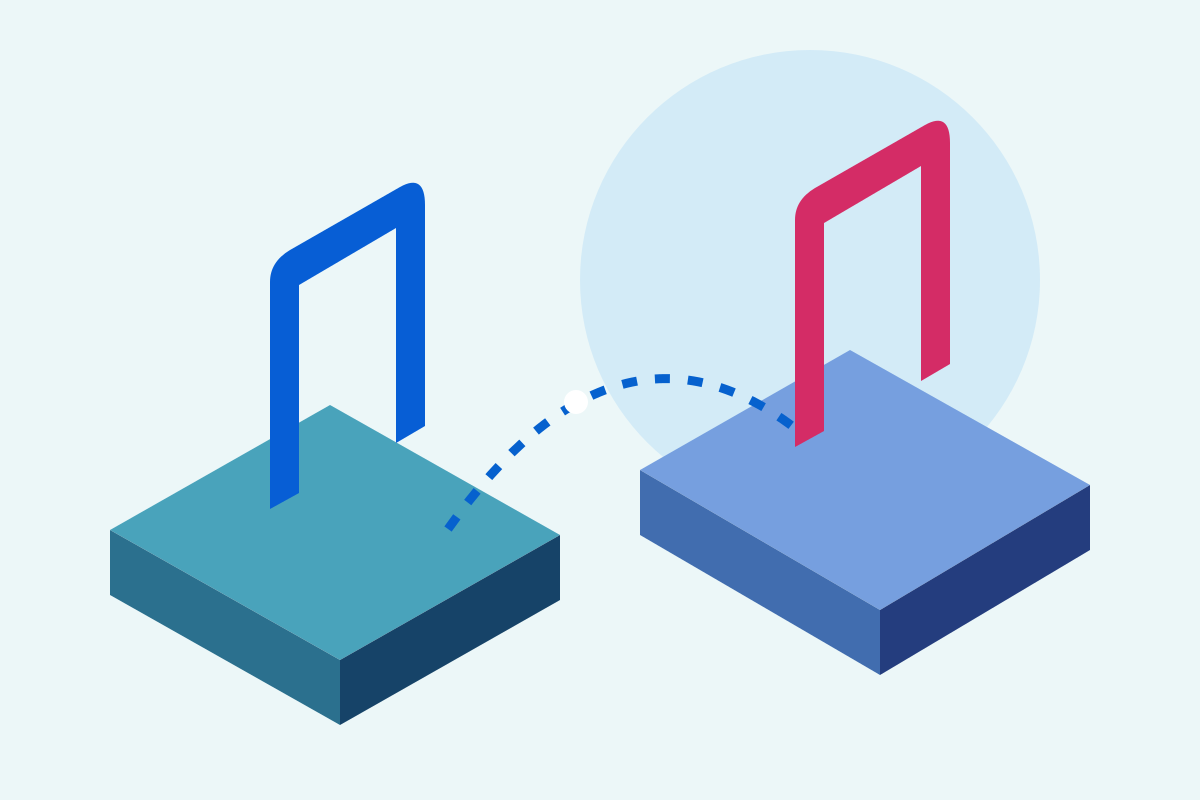
An attractive place does not replace game rules.
Repeatability deserves its own check.
The table is a planning aid, not a product benchmark.
The short answer
Google describes Project Genie as an experimental research prototype. Its May 19, 2026 announcement expanded access to eligible AI Ultra subscribers globally and introduced a Street View feature. For game creation, ask a separate question: which rules can you actually evaluate in your idea?
The differences at a glance
| Question | Exploration idea | Game prototype |
|---|---|---|
| What is the goal? | Experience atmosphere | Complete a defined task |
| What is evaluated? | Impression and variation | Rules and repeatability |
| What to record? | Motif and perspective | Input, expectation, result |
Describe the player experience first
Write one sentence from the player’s perspective: “I explore an abandoned station and find a safe exit.” Define what success and failure look like. A description of the atmosphere alone does not answer that.
Check repeatability
Our suggested test: follow the same path three times. Does the exit stay in place? Does an object respond consistently? Record differences. This is a proposed procedure, not a report of results we measured.
Turn the idea into an engine task
Build a small scene with a clear start, goal and one interaction. List what you can edit and save. Only then choose the tool for your next step.
Your practical comparison
What you need
Google specifies a personal account, eligible AI Ultra access and age 18+. The gallery is available without creation access.
- Open Project Genie through the source link and sign in.
- Choose Create with Project Genie.
- Describe the environment and character.
- Select first- or third-person view and adjust the sketch.
- Choose Next and explore with WASD.
- Download the video or reuse the prompt afterwards.
Example to get you started
A small, bright space station with a round courtyard. An original blue robot explores the path from an entrance to a green door. Clear shapes, calm camera, no existing movie or game characters.
Things to consider
Documented provider workflow, not our own Genie test. Help describes 60 seconds of exploration and possible visual or control errors. The cover is a Findbest illustration, not a Genie screenshot.
Read next
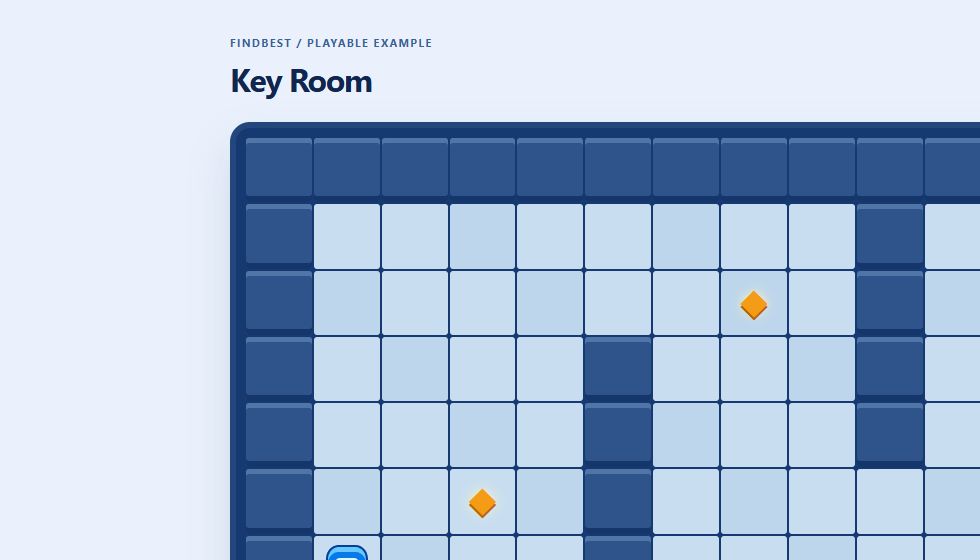
Create a game with AI: build Key Room step by step
A working browser game to play and download, with real screenshots, sample prompts, explained code and checked rules.
Make a Unity game with AI: workflow and costs
Use AI for focused C# tasks, build a three-crystal level and separate engine, assistant and asset costs.
Unreal Engine with AI: a small Blueprint adventure and its costs
Use an assistant for Blueprint plans, level design and debugging, with a clear project scope and realistic budget.
Was this article helpful?
Your feedback helps us improve our articles.
Votes are counted per language version. Repeat voting is limited; totals do not necessarily represent distinct people. Privacy