Make a Unity game with AI: workflow and costs
Use AI for focused C# tasks, build a three-crystal level and separate engine, assistant and asset costs.
Start with one playable room.
Ask for small, verifiable C# changes.
Track assistant usage separately.
The short answer
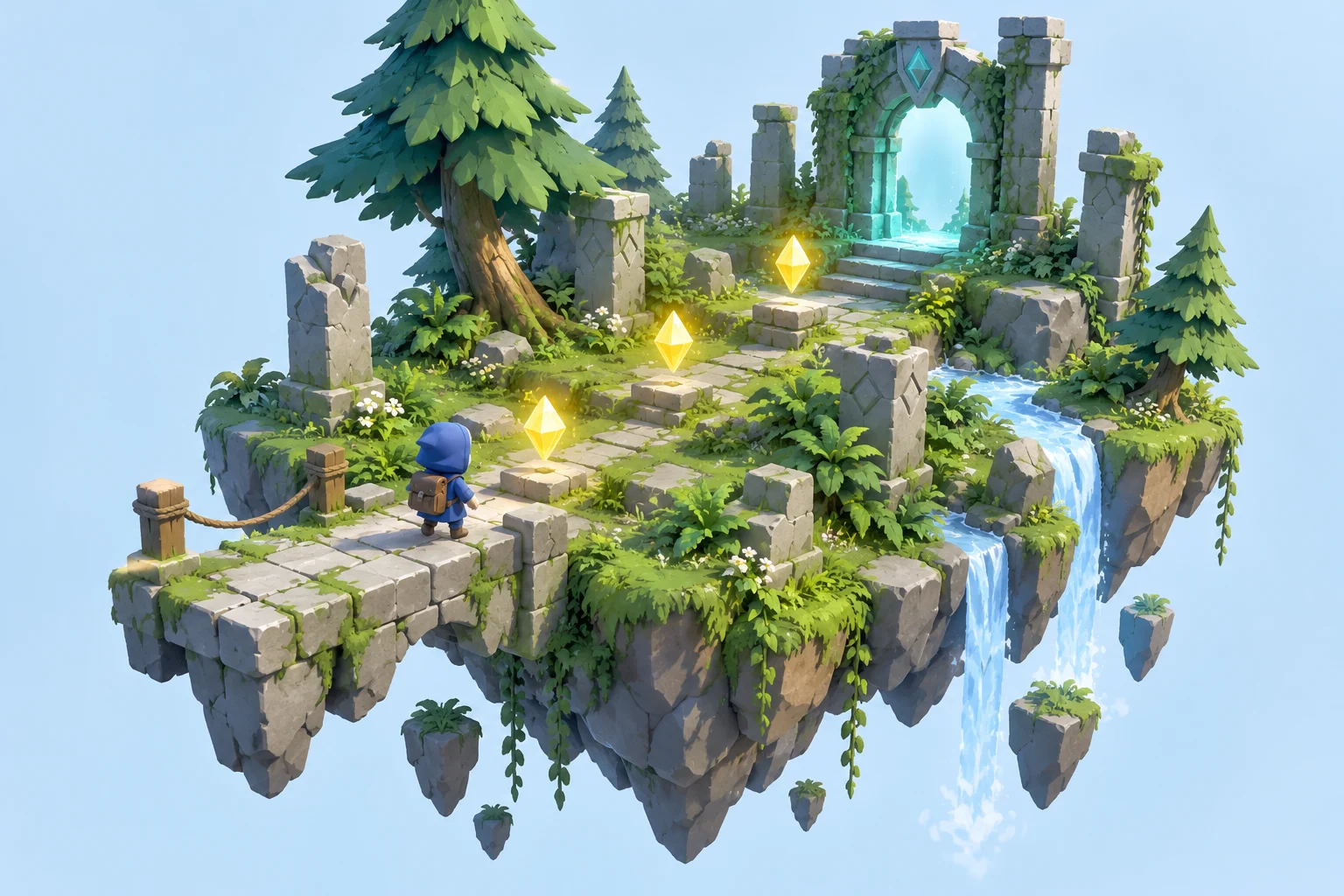
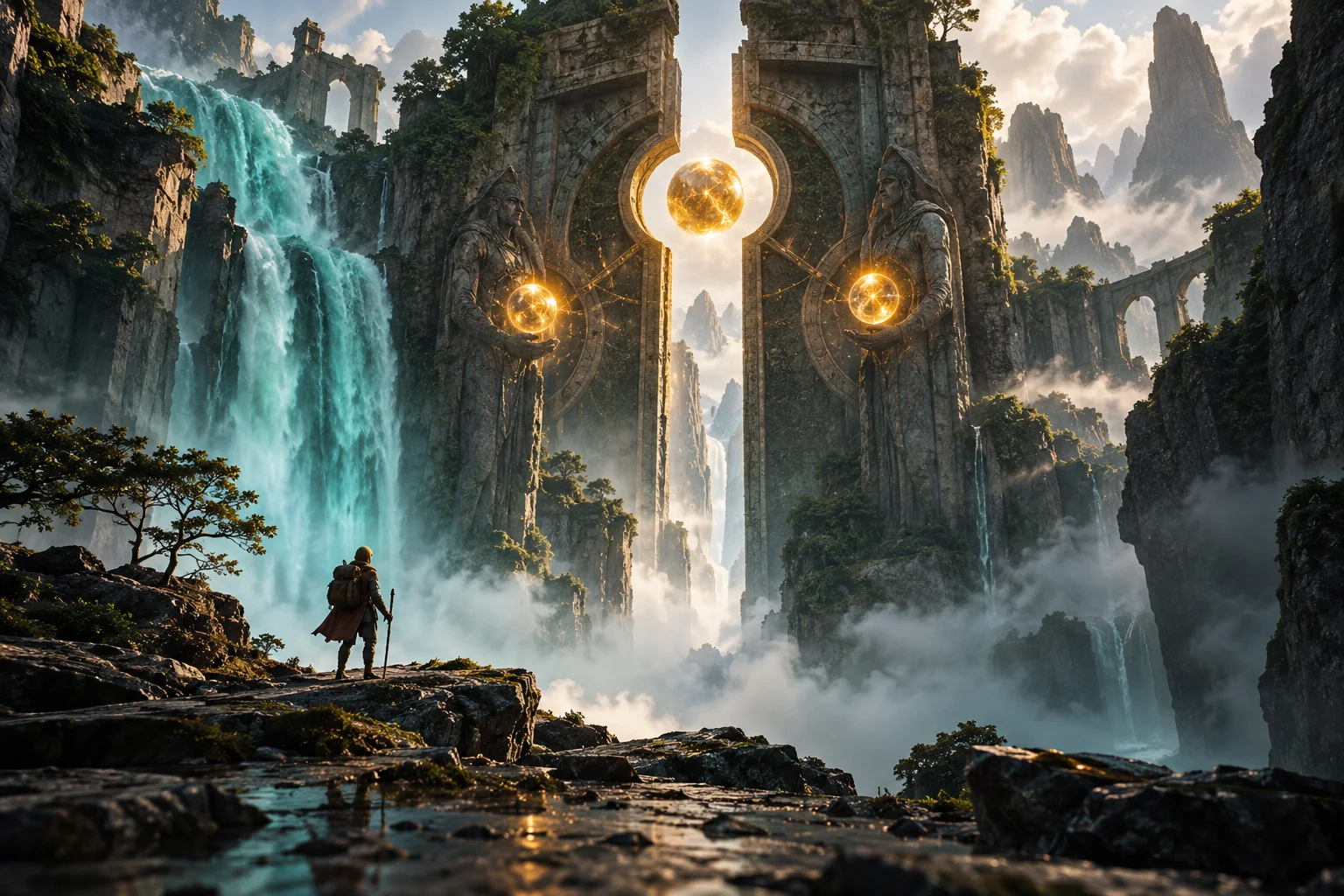
Crystal Path is our proposed small 3D project: collect three crystals in a forest ruin and unlock an exit. Unity runs the game; an assistant helps with individual components. The cover is AI concept art, not a Unity screenshot. This is a researched construction plan, not an engine test.
From an idea to a game rule
The cover is original AI-generated concept art. The guide explains how to implement the idea in the engine. See the linked official introduction for actual software views.
Official introduction with editor viewsThe differences at a glance
| Cost | Entry point | Scope |
|---|---|---|
| Unity Personal | 0 USD if eligible | Revenue/funding below 200,000 USD; check full terms |
| In-editor assistant | 10 USD/month after trial | Credit limits and extra usage apply |
| External assistant | Your provider tariff | Separate from Unity |
| Own placeholder geometry | 0 USD | No asset purchase required |
| Example budget | 10 USD for one assistant month | No top-ups; existing hardware; excludes tax and release costs |
Build a greybox first
Create a Unity 6 3D project and save CrystalPath. Use simple shapes for floor, walls, three crystals and the exit. Start from a working player controller. Tell the assistant the exact editor version and input system before asking for code.
Request one component
Ask for CrystalPickup and a central GameState. Require file names, component setup and Inspector references. Keep a project backup. The first task is one pickup, not a whole game. Unity offers free CLI/MCP tools and an official plugin for external agents; the agent itself may have a separate tariff.
Open practical example
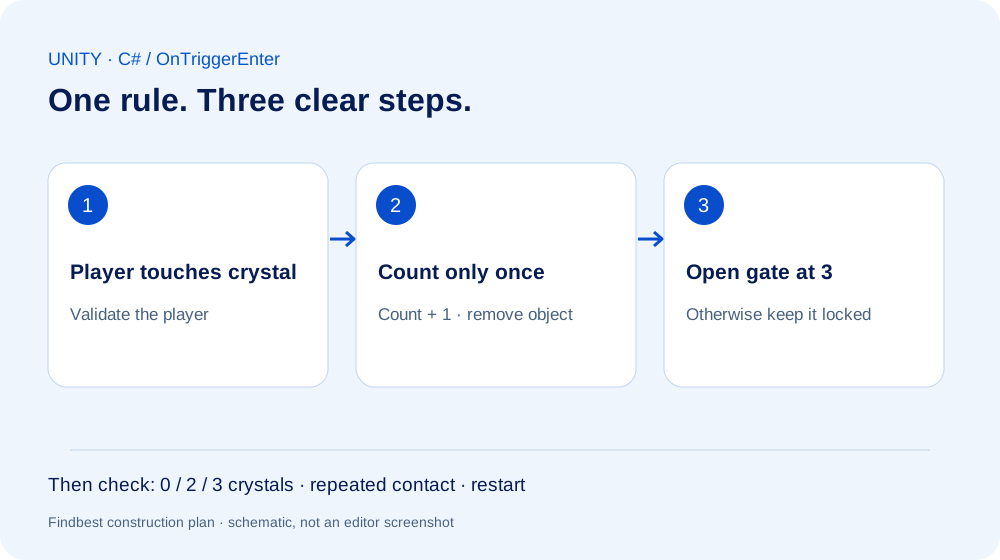
Create a Unity 6 C# crystal pickup that counts once on player contact. Explain trigger and Rigidbody setup. Use an existing player; do not install packages. Ask about missing assumptions.
Connect and test
Attach the script to the pickup prefab. Configure a trigger collider and suitable Rigidbody setup, then assign the central state. Check one crystal before duplicating it. Add an exit gated by three pickups, a counter and a restart. Report the first full Console error and relevant code to the assistant.
Create the visual direction
Use the cover as a style reference: blue explorer, golden crystals, teal exit. A generated image is not a rigged model. Replace greybox pieces gradually with original or licensed models. Inspect materials, scale, collision and polygon count. Keep the plain level as a playable baseline.
Set a spending limit
Prices checked October 3, 2026, in USD. The table assumes eligible Personal use and existing hardware. Our 10 USD monthly example excludes credit top-ups. Credits vary with request complexity; an allowance is not a promise of a completed game. Track actual consumption and stop when the chosen budget is reached. Labour, assets, taxes, stores and future licence changes are separate.
Your practical comparison
What you need
Unity 6, suitable computer and basic scene/Inspector knowledge. An assistant is optional; no runtime AI API is needed.
- Make movement work.
- Test a single pickup.
- Add the locked exit and restart.
- Replace visuals after the rules work.
- Test a standalone build.
Things to consider
Researched workflow, not tested by us inside Unity. Match APIs to the installed version and check licences before release.
Read next
An AI world is not yet a finished game
Using Project Genie as a starting point: separate an explorable world from a game prototype you can evaluate.
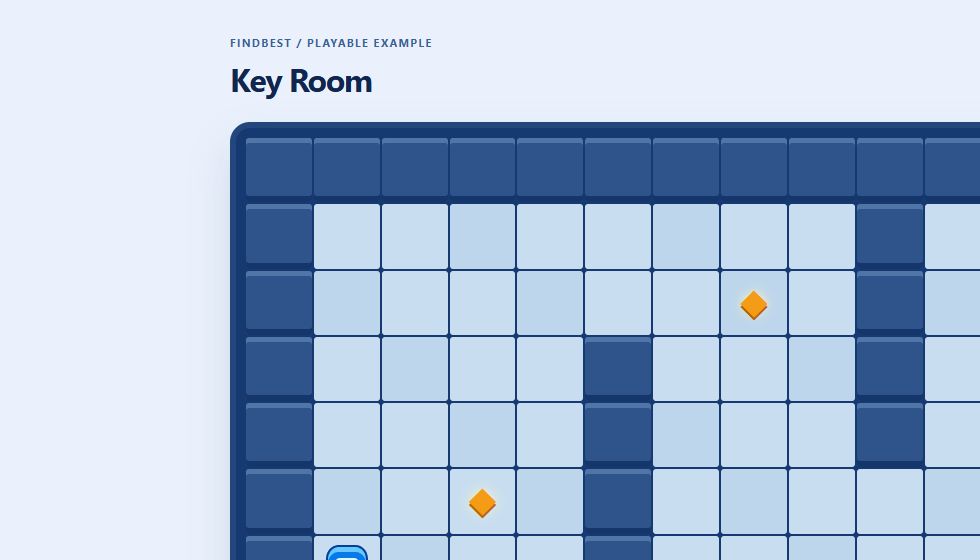
Create a game with AI: build Key Room step by step
A working browser game to play and download, with real screenshots, sample prompts, explained code and checked rules.
Unreal Engine with AI: a small Blueprint adventure and its costs
Use an assistant for Blueprint plans, level design and debugging, with a clear project scope and realistic budget.
Was this article helpful?
Your feedback helps us improve our articles.
Votes are counted per language version. Repeat voting is limited; totals do not necessarily represent distinct people. Privacy