Godot with AI: build your first 2D game with GDScript
Use AI for small GDScript tasks, connect pickups and an exit, and plan graphics without buying an engine licence.
The engine is free.
Keep Godot 4 context explicit.
Name input actions and signals.
The short answer
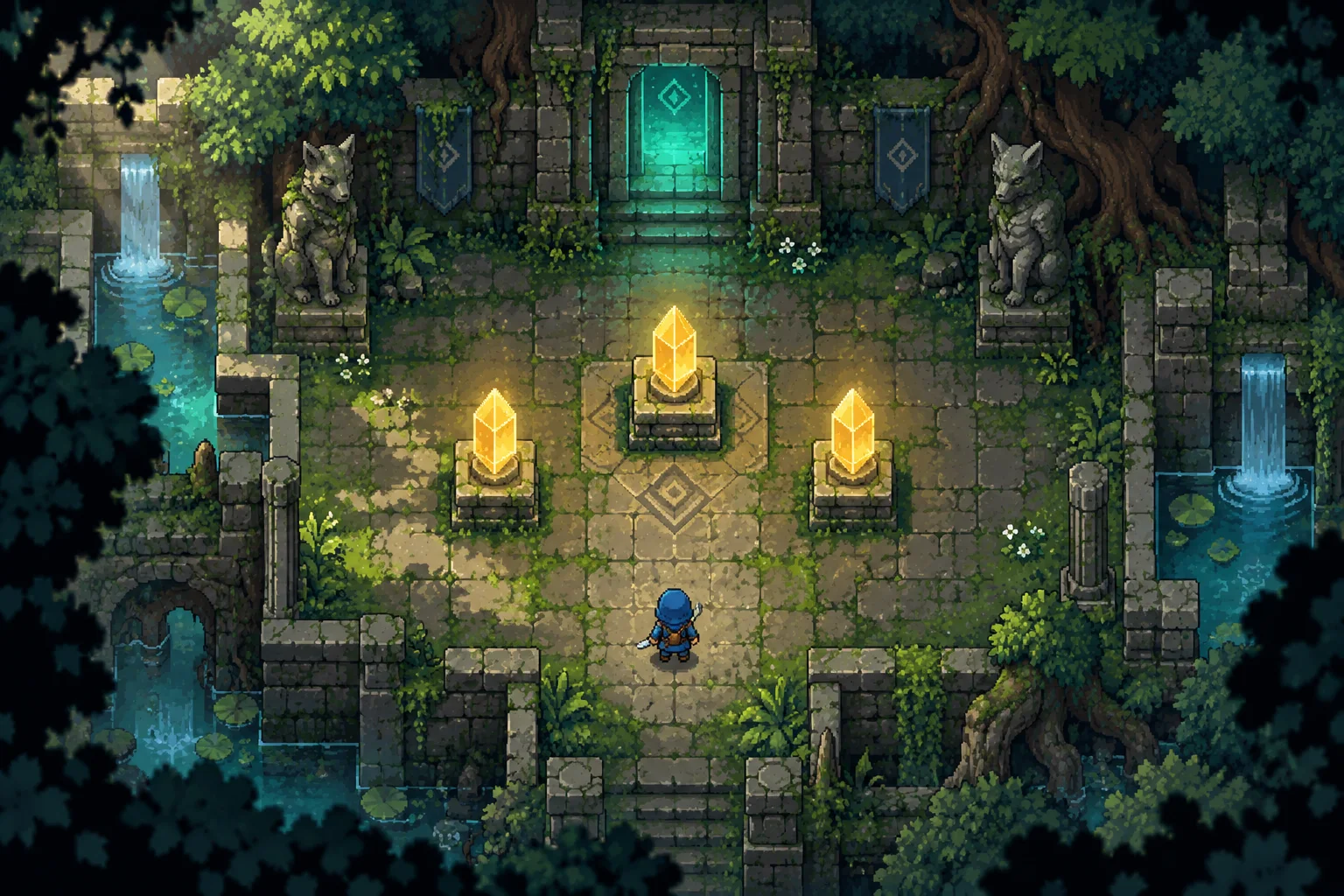
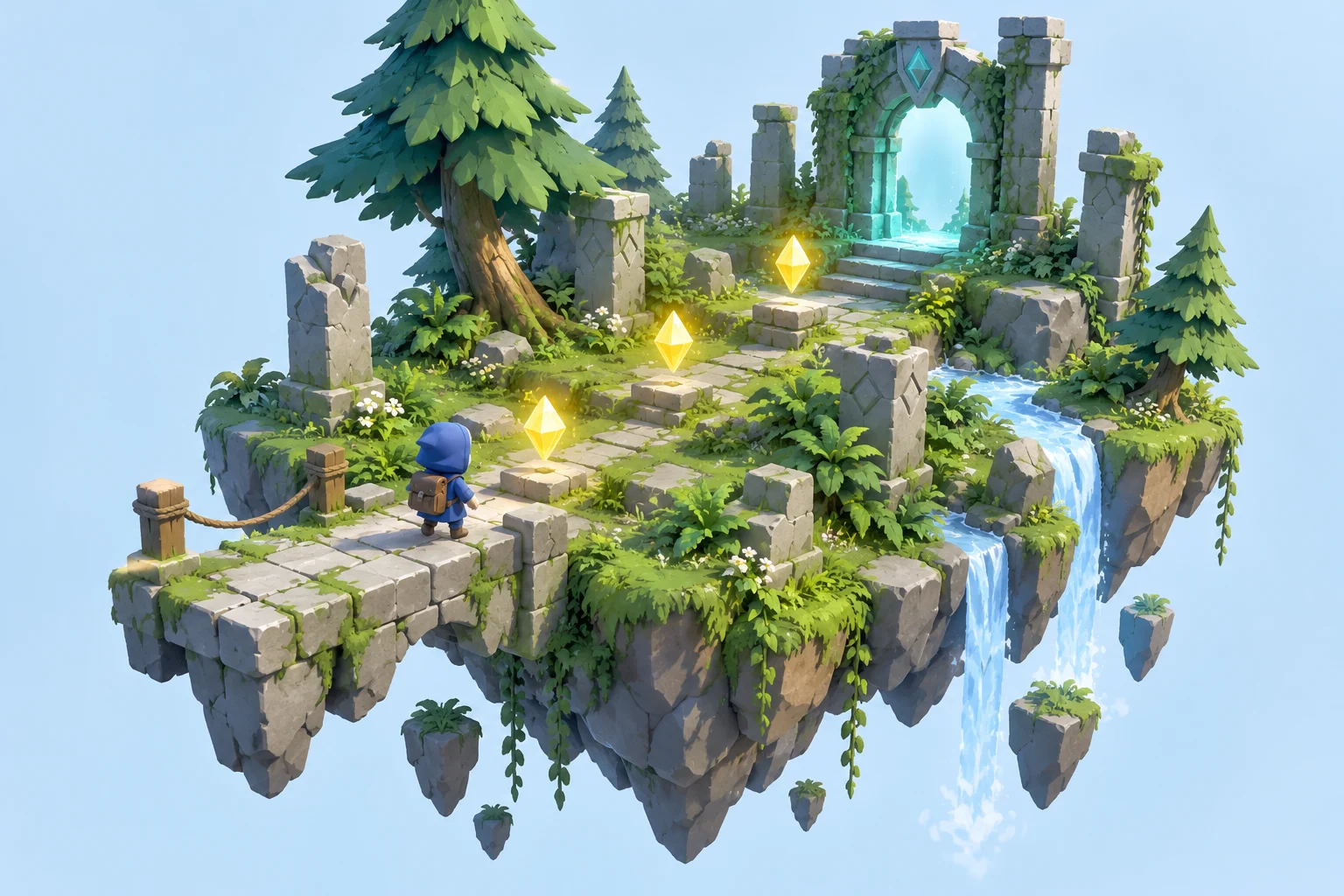
Our proposed top-down game has one player, three crystals and an exit. Split it into scenes and shared state. AI helps with scripts and explanations. The series cover is a visual concept, not a Godot screenshot; this is a researched plan rather than an engine test.
From an idea to a game rule
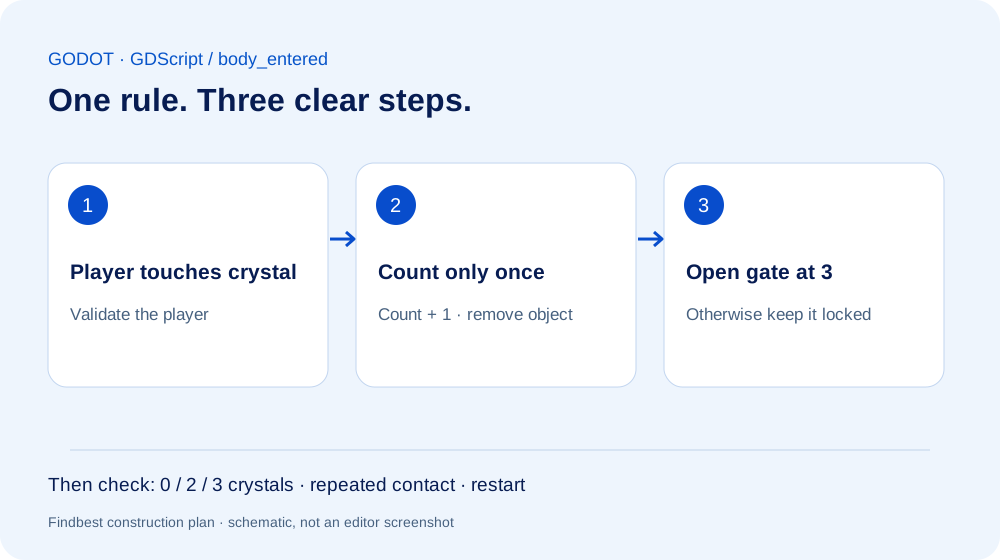
The cover is original AI-generated concept art. The guide explains how to implement the idea in the engine. See the linked official introduction for actual software views.
Official introduction with editor viewsThe differences at a glance
| Cost | Amount | Scope |
|---|---|---|
| Godot Engine | 0 USD | MIT notice required on redistribution; no engine royalties |
| GDScript and PC export tools | 0 USD | Other platforms can have separate requirements |
| AI assistant | Free access or provider tariff | Limits vary |
| Own placeholder art | 0 USD | Paid assets optional |
| Suggested budget | 0 USD engine and placeholders | Optional 20 USD AI spending cap, not a provider quote |
Prepare the scene tree
Create a Godot 4 project with Main as Node2D. Make a separate Player scene using CharacterBody2D, Sprite2D and CollisionShape2D. Configure move_left, move_right, move_up and move_down in Input Map. Record the exact version.
Give the assistant precise context
Request only the player script first. State that this is top-down movement without gravity. Godot 3 examples using KinematicBody2D should not be pasted into a Godot 4 project.
Open practical example
Write a Godot 4 top-down CharacterBody2D script using Input.get_vector, velocity and move_and_slide. Use my four move actions and an exported speed. No gravity or plugins. Explain node attachment and diagonal movement testing.
Connect crystal signals
Build Crystal from Area2D, Sprite2D and CollisionShape2D. Use body_entered to detect the player. Guard against duplicate collection, emit a collected signal and remove the object. Main connects the signal to one shared count. Verify one crystal before placing three copies.
Gate progress and restart
Give the exit access to that count. It stays closed below three crystals and triggers success afterwards. Use a separate blocking shape if needed. Restart must restore count, pickups and player. Ask the assistant to explain signal ownership instead of spreading counters across scripts.
Prepare usable 2D art
Use blue for the player, gold for collectibles and teal for the goal. Generate separate aligned sprites, then check transparency, frame size and foot position. Unrelated generated images are not a consistent sprite sheet. Start with a static sprite; add AnimatedSprite2D frames only once the rules work.
Budget the first experiment
Checked October 3, 2026: Godot is MIT-licensed and free, with no engine royalties; include the required notice when distributing it. Use existing hardware and own placeholder art for a 0 USD engine/asset start. An optional 20 USD AI cap is our suggested limit, not a subscription quote. Labour, taxes, hardware and publishing remain separate.
Your practical comparison
What you need
Godot 4, computer and basic scene knowledge. Optional assistant; no runtime AI API or extra plugin required.
- Configure inputs.
- Verify player movement.
- Connect one pickup signal.
- Add exit and restart.
- Test an exported build.
Things to consider
Not an in-engine test. Use the official tutorials for actual editor views. Our concept art and workflow graphic are illustrations.
Read next
An AI world is not yet a finished game
Using Project Genie as a starting point: separate an explorable world from a game prototype you can evaluate.
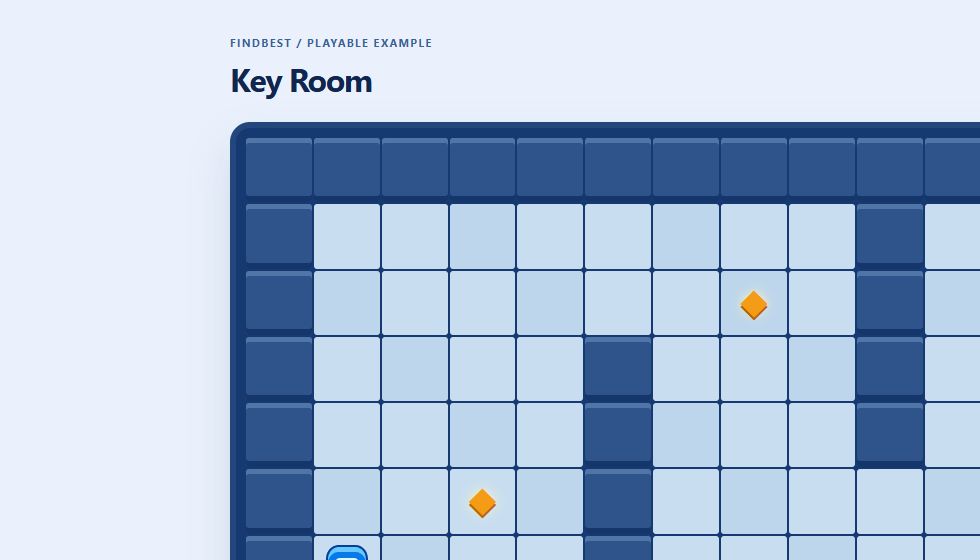
Create a game with AI: build Key Room step by step
A working browser game to play and download, with real screenshots, sample prompts, explained code and checked rules.
Make a Unity game with AI: workflow and costs
Use AI for focused C# tasks, build a three-crystal level and separate engine, assistant and asset costs.
Was this article helpful?
Your feedback helps us improve our articles.
Votes are counted per language version. Repeat voting is limited; totals do not necessarily represent distinct people. Privacy