


ChatGPT or Claude? The differences that matter at work
Create images, revise writing or build small tools: explore the practical differences, a clear decision guide and tasks you can try yourself.
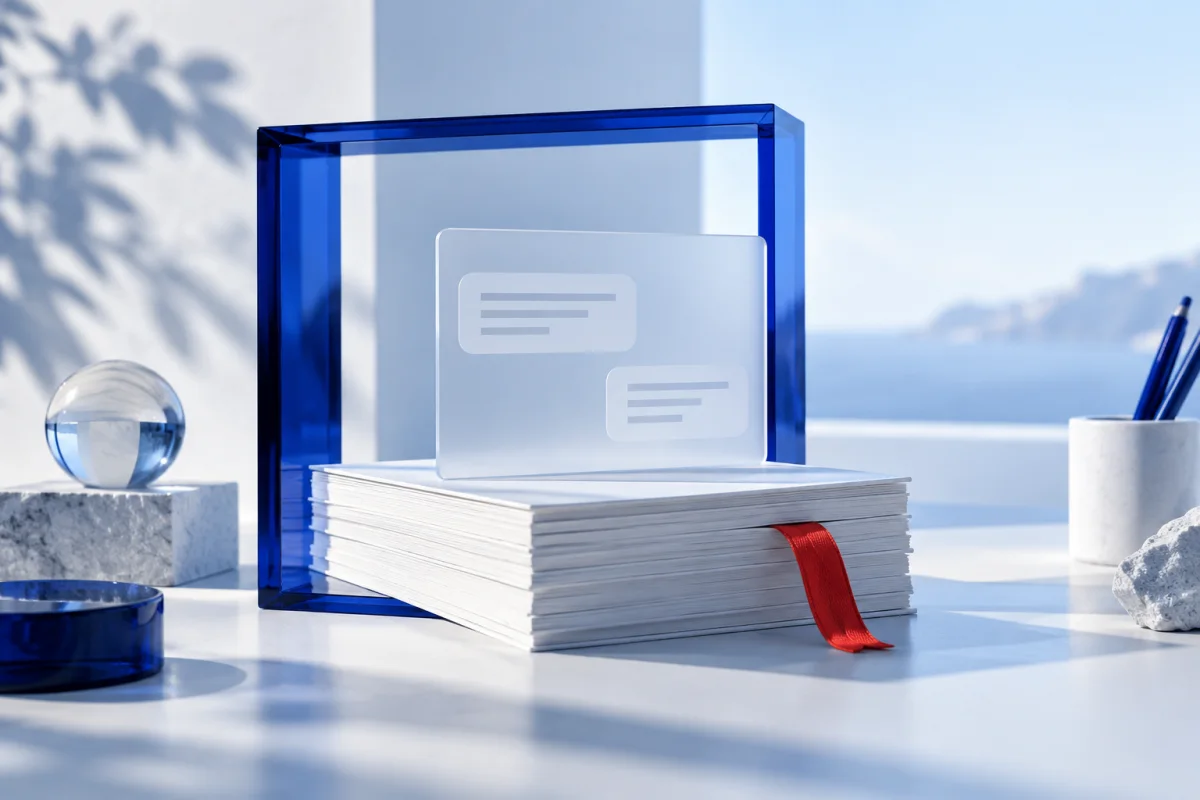
ChatGPT creates and edits images. Claude analyzes images and can build diagrams from code.
Both support editable work. Check which process fits your documents and revision habits.
App, model and plan are different choices. Compare the same task with recorded settings.
The short answer
For image concepts inside a conversation, ChatGPT is a natural starting point: it can generate and edit images. If you want to develop a document or small interactive tool alongside a conversation, explore Claude’s Artifacts. ChatGPT also supports editable writing and code previews. Writing quality therefore depends on your task, rather than the brand alone.
This comparison interprets documented features. The examples are proposed tasks for your own evaluation; Findbest has not measured a performance winner.
The differences at a glance
| Task | ChatGPT | Claude |
|---|---|---|
| Create a photo or illustration | Image generation and editing in the conversation | No comparable photo generation; plan for a separate image tool |
| Revise writing | Editable writing blocks, where available | Documents as Artifacts alongside the conversation |
| Build a small interactive tool | Supported code blocks with previews | Interactive Artifacts for small tools |
| Understand an image | Image-related tasks depend on the feature used | Analyze uploaded images |
| Decision | Does the combined writing-and-image workflow fit? | Does working on a standalone Artifact fit? |
First: ChatGPT and GPT are different things
ChatGPT is OpenAI’s application. GPT refers to model families used inside it and other products. Claude is Anthropic’s assistant; names such as Sonnet refer to models. Enabled tools, plan and working environment also affect the result. A new model release alone does not tell you which features your account can access.
Open practical example
Before comparing, record the application, selected model, date, plan and enabled tools. If the app chooses automatically, record that too. Without these details, a result is hard to interpret later.
Images: generate, understand or build a graphic?
A cover illustration and a diagram are different jobs. ChatGPT can generate photos and illustrations and edit existing images. Claude can analyze uploaded images and create diagrams or visual tools using HTML or SVG. That does not replace an image generator for a new photographic scene.
For a blog combining writing with an original illustration, ChatGPT is a useful starting point. A code-based result may suit an editable diagram. This article’s cover is an original generated illustration, not a product screenshot.
Open practical example
Image task: “Create a calm cover illustration about digital collaboration, without words or brand logos.” Diagram task: “Show our approval process with draft, review and publication stages.” For the diagram, evaluate sequence, readability and ease of revision.
Writing: the second revision matters
A strong opening paragraph is welcome. In daily work, it matters whether the original requirements survive multiple changes. ChatGPT supports editable writing blocks. Claude offers documents as Artifacts in a separate workspace. Try a real brief to discover which process suits you.
Assess tone, factual accuracy and adherence to instructions separately. A fluent sentence can still invent a number. More words do not necessarily mean more depth.
Open practical example
Give both the same source text. Task 1: reduce it to 120 words while preserving three specified facts. Task 2: change only the tone to friendly and factual. Task 3: replace the opening without changing numbers or the ending. Count broken requirements and your own rework.
Interactive output: from conversation to a small tool
Claude Artifacts can hold standalone work such as documents, designs and small interactive tools. ChatGPT also supports editable code blocks and previews for certain formats. Available actions depend on the account and environment.
A more useful selection question is: can you inspect the result, make a targeted change and reuse it in your actual workflow? An attractive preview is not yet a reliably tested program.
Open practical example
Ask for a small project-cost calculator: hours × hourly rate plus fixed expenses. Then check zeros, decimal values and an empty input. Verify three results yourself before requesting visual improvements.
Make the decision with your own work
Start with a task you repeat every week. If it includes new photos or illustrations, the documented image feature makes ChatGPT worth trying first. If you mainly develop a document or interactive result alongside a conversation, include Claude’s Artifact workflow in your evaluation.
Use three real tasks instead of a single favorite prompt. Record correct outcomes, revision rounds and actual working time. Check current plan limits before buying. Assess app subscriptions and API usage separately.
Open practical example
Your scorecard: task / model and settings / instructions met / factual errors / correction rounds / your own minutes. Repeat the hardest task. Choose the tool that saves work in your situation, rather than adopting a universal ranking.
Explore the tools
Read next
A content brief that actually helps AI
Turn an unclear idea into a first draft you can review.

Turn meeting notes into clear tasks with AI
Separate decisions, open questions and actions without inventing owners or deadlines.
Write clearer business emails with AI while keeping the facts
A controlled workflow for better drafts, a suitable tone and a reliable final review.